Time Zone Widget for Couples: See Your Partner's Local Time on iPhone
See your partner's local time on the iPhone Home or Lock Screen. Apple's free Clock widget plus 8 time zone apps compared, checked October 2026.
| Option | Home Screen | Lock Screen | Add a person, not just a city | Pairs with partner | Min. iOS | Cost |
|---|---|---|---|---|---|---|
| Apple Clock widget (built in) | Yes (World Clock, City) | Yes (City Digital, World Clock) | No (cities) | No | City Digital: iOS 17.4 | Free |
| Clockwise - Time Zone Tracker | Yes | Not listed | Yes | No | iOS 16.1 | Free; no in-app purchases listed |
| diClock: World Clock & Weather | Yes | Yes | No (cities) | No | iOS 15.6 | Free; no in-app purchases listed |
| DualClock | Yes | Yes | No (two cities) | No | iOS 17.0 | Free |
| FeelClose: Long Distance Love | Yes ("timezone displays") | Not listed | Your partner | Yes | iOS 17.0 | Free; Premium $7.99 to $119.99 |
| Long Goodbye: Couple Widget | Yes ("their local time") | Yes ("their clock") | Your partner | Yes | iOS 15.0 | Free; Together+ $7.99 a month to $99.99 lifetime |
| Time Friends -Time Zones | Today View only | No | Yes (contacts) | No | iOS 11.0 | $0.99 |
| World Clock Time Zones - Timo | Yes | Yes | No (city pairs) | No | iOS 26.0 | Free; tips $0.99 to $3.99 |
| World clock widget - Orbitime | Yes | Yes | Partly (cities and contacts) | No | iOS 17.0 | Free; in-app purchases $4.99 to $19.99 |
Can your iPhone show your partner's local time?
Yes, and you do not need an app for it. Add your partner's city to World Clock in the Clock app, then put a Clock widget on your Home Screen or Lock Screen. A couples app only adds something if you want the widget tied to your partner rather than to a city, or next to other things you share.
The built-in widget is free, collects nothing, and follows the city's own clock changes. Its limit is that it knows a city, not a person: if your partner travels, it shows the wrong time until you edit it.
How was this comparison made?
HeartSee publishes this article. HeartSee does not have a time zone widget, so it is not in the table, and none of the apps listed paid to be included. Facts about the apps come from their US App Store listings and release notes, checked on 27 October 2026; we did not install and test each one. "Not listed" means the listing does not mention the feature, not that the app cannot do it.
We left out Klok, which appears in searches for time zone widgets, because its US App Store listing was not available on 27 October 2026.
- Does it work on the Home Screen, the Lock Screen, or both?
- Do you add a person, or only a city?
- Does your partner connect from their own phone?
- Which iOS version does it need, and what does it cost?
Related reading: Read our review methodology
How do you add your partner's city to the iPhone Clock widget?
Start in the Clock app, because the widget can only show cities you have added there. Then add the widget. On the Home Screen, the World Clock widget shows up to four cities at once. The City Digital widget arrived with iOS 17.4 and shows one city as a digital clock, which is the clearest choice for a single partner.
On the Lock Screen there is room for a City Digital widget, or a World Clock widget under the time. To change which city a widget shows, touch and hold it, tap Edit Widget, and choose the city.
- Open Clock, tap World Clock, tap the Add button, and choose your partner's city.
- Touch and hold an empty part of the Home Screen, tap Edit and then Add Widget (or the Add button on older versions of iOS), and choose Clock.
- Pick City Digital for one large city clock, or World Clock for up to four cities, and tap Add Widget.
- For the Lock Screen: touch and hold it, tap Customize, choose Lock Screen, and tap the widget area to add a Clock widget.
- If the widget shows the wrong city, touch and hold it, tap Edit Widget, and pick your partner's city.
Which apps show a partner's local time instead of a city?
Two kinds of app go further than Apple's widget. Person-based world clocks let you add someone and their time zone: Clockwise lets you add people with their time zone, Time Friends adds contacts in different time zones, and Orbitime can organize contacts as well as cities. These are personal tools; your partner does not install anything.
Couples apps pair two phones. FeelClose's listing describes being "timezone aware" with both times side by side and Home Screen "timezone displays". Long Goodbye says your partner's local time appears on the Home Screen and "their clock sits on your lock screen". Neither listing says whether the time follows your partner automatically when they travel, so check that in the app before you rely on it.
What is each option best for?
Most of these options are free, so the choice is mostly about where the time appears and whether you want a person or a city. Check the minimum iOS version first: Timo needs iOS 26.0, while the Apple widget's City Digital style needs iOS 17.4.
- Apple Clock widget: the default for most couples. Free, private, on both screens. Skip it if your partner moves between cities often.
- Clockwise: people instead of cities, and the only listing here that mentions alerts for upcoming daylight saving time changes. Skip it if you want the time on the Lock Screen, which the listing does not mention.
- diClock: world clock and weather widgets on the Home and Lock Screen. Skip it if you want to add a person rather than a city.
- DualClock: two cities side by side, nothing more. Skip it if your iPhone runs a version older than iOS 17.0.
- FeelClose: a long-distance app that puts both times side by side, with countdown widgets. Skip it if you only want a clock and not another app to share with your partner.
- Long Goodbye: a couples widget app with your partner's clock and time of day on the Lock Screen. Skip it if you prefer an app with more ratings; it had 3 on 27 October 2026.
- Time Friends: a simple paid list of contacts and their times. Skip it if you want a Home or Lock Screen widget; it only offers a Today View widget.
- Timo: city pairs with Home and Lock Screen widgets. Skip it if either iPhone cannot run iOS 26.0.
- Orbitime: world clock widgets, including three Lock Screen widgets added in an update. Skip it if you want a free app with no upgrades.
What happens to the time difference when the clocks change?
A city clock follows that city's own rules, so the number on the widget stays right. What changes is the gap between you, and it can change twice in a few weeks. In 2026 the UK moves its clocks back on 25 October and the US on 1 November, so for one week London is four hours ahead of New York instead of five.
That week is when calls get missed. If you have a fixed call time, check it in both local times around each change, and say which time zone you mean when you set a date. Clockwise's listing is the only one in this comparison that mentions warning you before a change.
Related reading: How to make a long-distance relationship work across time zones
Do you need a couples app if you already have a clock widget?
Not for the time. A clock tells you whether your partner is probably asleep. It does not tell you how their day is going. That is the gap couples apps try to fill: a mood, a note, or a drawing that waits for the other person's morning, so you are not tied to the hours you are both awake.
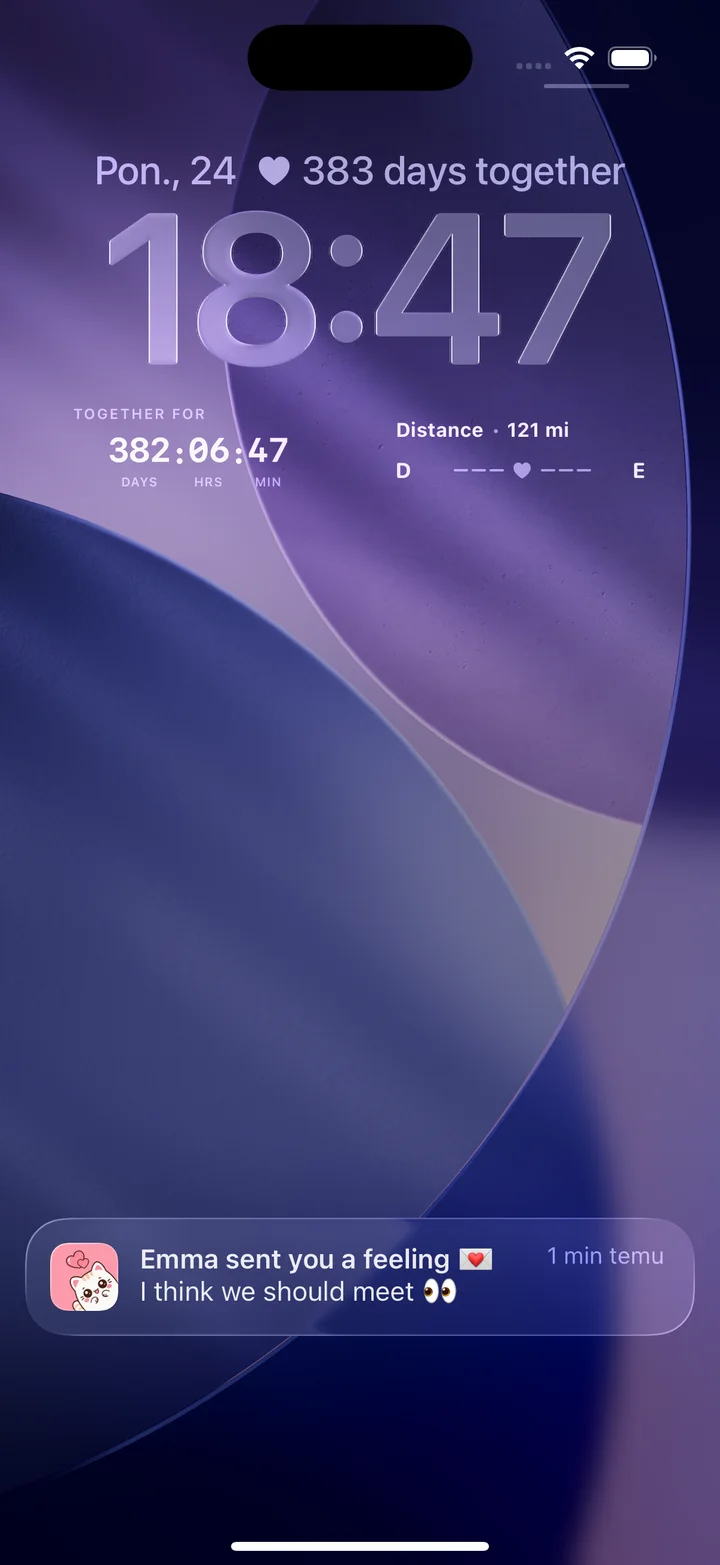
HeartSee (our app) works this way on iPhone. Its Lock Screen widgets show your distance and days together, and you can send moods, notes, and drawings to a shared space. It does not show your partner's local time, so many couples put an Apple City Digital widget next to it.
Related reading: Daily relationship rituals for busy couples
Does a time zone widget need your partner's location?
A city clock needs no location at all: you pick the city yourself. Apps that follow a person need some way to know where that person is, either a time zone you type in or data from their phone. Before your partner shares anything, read the app's privacy label and agree on what each of you is comfortable sharing.
On 27 October 2026, Clockwise, diClock, DualClock, Orbitime, and Time Friends declared Data Not Collected. Timo listed a device ID and product interaction, not linked to you. FeelClose and Long Goodbye pair two phones and listed data linked to you, such as email and photos.
Related reading: Private couples app privacy checklist
Frequently asked questions
Can I see my partner's time on my iPhone Lock Screen?
Yes. Add their city in Clock, then add a City Digital or World Clock widget to the Lock Screen. City Digital needs iOS 17.4 or later. Long Goodbye, diClock, DualClock, Timo, and Orbitime also list Lock Screen widgets.
Does my partner need to install anything?
Not for a clock. Apple's widget and person-based world clocks such as Clockwise work on your phone only. Couples apps such as FeelClose and Long Goodbye pair two phones, so both of you install them.
Does the widget adjust for daylight saving time?
A city clock follows that city's rules, so it shows the right time after a change. It does not warn you that the gap between you is about to change; Clockwise's listing mentions alerts for that.
What if my partner travels?
A city-based widget keeps showing the old city until you edit it. None of the listings we checked says whether a partner's time updates automatically when they travel, so check that in the app.
Does HeartSee show my partner's time zone?
No. HeartSee's widgets show distance, days together, moods, notes, and drawings. For your partner's local time, use Apple's Clock widget next to it.
Is there a free time zone widget for iPhone?
Yes. Apple's Clock widget is built in and free. Clockwise, diClock, and DualClock were also free with no upgrades listed on 27 October 2026.
Sources and product information
Product and platform details were checked against these official pages. Store availability, pricing, and iOS behavior may change.
- Apple: Add, edit, and remove widgets on iPhone
- GOV.UK: When do the clocks change?
- NIST: Daylight saving time
- Apple: See the time worldwide in Clock on iPhone
- iDownloadBlog: iOS 17.4 adds a digital clock widget (City Digital)
- Clockwise - Time Zone Tracker on the App Store
- diClock: World Clock & Weather on the App Store
- DualClock on the App Store
- FeelClose: Long Distance Love on the App Store
- Long Goodbye: Couple Widget on the App Store
- Time Friends -Time Zones on the App Store
- World Clock Time Zones - Timo on the App Store
- World clock widget - Orbitime on the App Store