Do Couples Widgets Drain Your iPhone Battery?
How iOS limits widget refreshes, what actually uses battery in a couples app, how to check your own iPhone, and simple ways to reduce the impact.
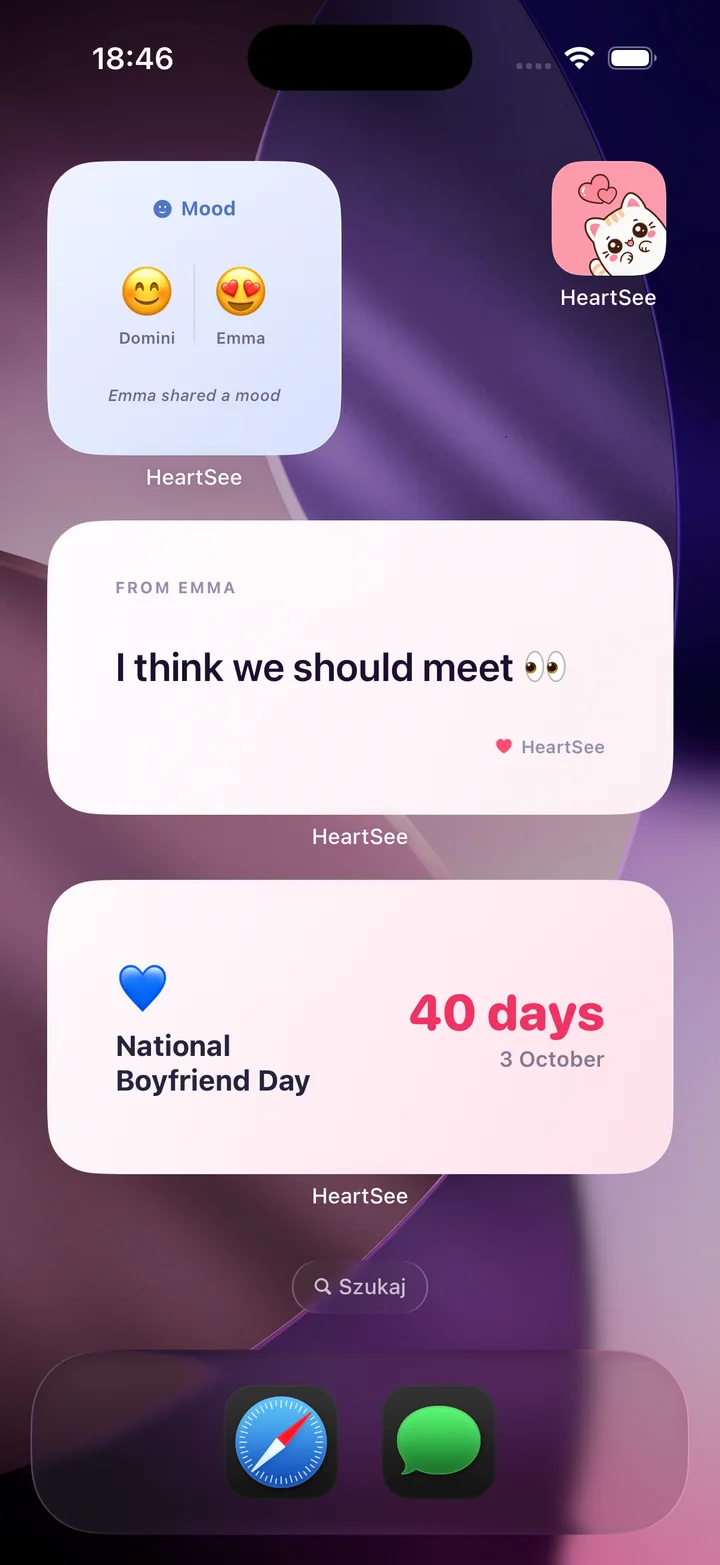
Do couples widgets drain the iPhone battery?
A widget does not run all day. iOS gives each widget a limited refresh budget, which Apple says typically includes 40 to 70 refreshes a day for a widget you view often, so the system limits how often it can redraw. The bigger variable is what feeds the widget: if the app uses location or background activity, that part appears under the app in Settings, Battery.
Apple does not publish a battery figure for individual widgets, and this article does not include a HeartSee measurement. The reliable number is the one on your own phone, and the steps below show where to find it.
How does iOS decide when a widget refreshes?
Apple's WidgetKit documentation describes a budget that spreads widget reloads over the day. The budget is dynamic. It takes many factors into account, including how often and when you look at the widget. It applies to a 24-hour period that iOS tunes to your daily usage, so it does not reset at exactly midnight.
Each widget you add has its own budget. Two HeartSee widgets on different screens are two budgets, not one shared allowance.
- A widget you look at often gets more refreshes than one you rarely see.
- Reloads do not count against the budget while the widget's app is in the foreground.
- Widgets that use Location Services are reloaded after a significant location change.
- Apple describes these as general rules, so exact timing varies by phone and by day.
What actually uses battery in a couples app?
A couples widget is only the visible part. Several things sit behind it, and which one matters depends on how you use the app.
Look at the features you turned on, not only the widget. A mood widget needs a network connection to receive your partner's update. A distance widget also depends on Location access. A countdown needs neither, because the date is already on your phone.
- Location, if you use a distance feature.
- Network activity to receive your partner's updates and notifications.
- Time spent with the app open, for games, drawing, and memories.
- Background App Refresh, if you left it on for the app.
How do I check what a couples app uses on my iPhone?
iPhone shows this directly. Use the same three places for HeartSee or any other couples app, then compare the result with other apps you use.
- Settings, Battery: see battery use by app over the last 24 hours or the last 10 days.
- Settings, Privacy & Security, Location Services: see which access level the app has (Never, Ask Next Time, While Using, or Always) and whether Precise Location is on.
- Settings, General, Background App Refresh: see whether the app is allowed to refresh in the background.
함께 읽기: Apple: Control the location information you share on iPhone
How can I lower the impact?
Start with the changes that cost you nothing. Keep the features you enjoy and remove only what you do not use.
Low Power Mode reduces background activity, so a widget may update later than usual while it is on. That is a reasonable trade, not a fault.
- Remove widget copies you no longer look at.
- Choose the Location access that the feature needs and no higher. If you do not use distance, turn Location off for the app.
- Keep HeartSee and iOS up to date.
- Check Battery after a normal day, not after a day of testing.
When should I worry about a widget and battery?
If one app is far above what its use would suggest, update it, restart the iPhone, and check again the next day. If it stays high, contact the developer with your iPhone model, iOS version, app version, and a cropped Battery screenshot. Leave out pairing codes and exact location.
If the widget is stale rather than hungry, the cause is usually the refresh schedule or a permission, not the battery.
함께 읽기: Couples widget not updating? Try these fixes · How to show the distance between you and your partner on iPhone
자주 묻는 질문
Do couple widgets drain the iPhone battery?
A widget refreshes on a limited iOS budget, which Apple says typically includes 40 to 70 refreshes a day for a widget you view often. Features behind the widget, such as location, can add to battery use. Check Settings, Battery, to see the real figure on your own iPhone.
Does a distance widget use more battery than a mood or countdown widget?
It can, because distance depends on Location access and a countdown does not. Apple does not publish per-widget figures, so compare the app's entry in Settings, Battery, before and after you turn the feature on.
Will turning off Background App Refresh stop the widget?
It can make updates arrive later. Widget refreshes are scheduled by iOS, and the app can only show what it has received. Open the app to see the current information.
How many widgets should I keep on my iPhone?
Keep the ones you look at. Each widget has its own refresh budget, so extra copies you never view add little and are easy to remove.
출처와 제품 정보
제품과 플랫폼 세부 정보는 이 공식 페이지에서 확인했습니다. 스토어 제공 여부, 가격, iOS 동작은 달라질 수 있습니다.