Apps Like Locket for Couples: 5 Options for More Than Photos
What Locket does well, where couples outgrow it, and five alternatives for notes, drawings, daily photos, distance, and games, with sources.
| App | Closest to which Locket job | Photo widget | Distance widget | Platforms |
|---|---|---|---|---|
| Candle | Daily photo swaps | Yes (Daily Snap) | Not listed | iPhone and Android |
| noteit | Quick notes and drawings on the Home Screen | Drawings and notes | Not listed | iOS (Android not checked) |
| Tethered | Doodles, notes, and photos with daily games | Not listed | Not listed | iOS (Android not checked) |
| Couple Joy | Couple widgets with distance | Not listed | Yes (its site) | iPhone and Android |
| HeartSee | Moods, notes, drawings, distance | No | Yes | iPhone only |
What does Locket do, and where do couples outgrow it?
Locket's App Store listing describes a Home Screen widget that shows live photos from friends, with captions, reactions, a monthly recap, and a limit of 20 friends. It is free with optional Locket Gold. For one idea, a glimpse of someone's day without opening an app, it works well and has a large audience.
Couples tend to want more than photos: a note that is not a photo, a countdown to the next visit, how far apart you are, or something to play on a call. The listing does not mention Lock Screen widgets or distance, and Locket is not built only for two people. You do not have to leave it. Many couples keep Locket and add a second app.
How was this list made?
HeartSee publishes this article and is one of the five apps. There are no paid placements and no affiliate links. Facts come from each app's App Store listing, its own site, or a store summary, checked on 2 October 2026. We did not run identical tests on every app, and "Not listed" means we did not find the feature in those sources.
HeartSee has no Locket-style live photo widget. It covers notes, moods, drawings, and distance. If live photos are the reason you use Locket, an app on this list other than HeartSee will be closer.
Weiterlesen: Read our review methodology
1. Candle: best for daily photo swaps
Candle's App Store description lists short daily games, questions, shared photos, streaks, love notes, a shared bucket list, and date ideas. A Daily Snap widget keeps your partner's latest photo on your Home Screen, and its listing mentions Lock Screen widgets and a countdown timer. Candle also has Android apps on Google Play.
It is the nearest match to Locket's core idea, with relationship extras added.
- Best for: couples who want a photo widget plus daily prompts.
- Skip it if: you only want a quiet photo stream with no prompts.
2. noteit: best for notes and drawings on the Home Screen
noteit's listing describes a widget that shows live notes and drawings from your partner. You add the widget, link with your partner, and send something that appears on their Home Screen when you tap Send.
It does one thing, a hand-drawn note, and keeps it simple. Choose it when you like Locket's immediacy but want to draw or write instead of take a photo.
- Best for: quick hand-drawn or written messages.
- Skip it if: you want distance, games, or memories in the same app.
3. Tethered: best for doodles, notes, and daily games
Tethered describes Home Screen messages with doodles and notes, daily challenges, relationship games, conversation starters, streaks, and a shared timeline of photos and moments. It is free with in-app purchases.
Compared with Locket it swaps a live photo stream for messages and daily activities. It suits couples who want a ritual, not only a glimpse.
- Best for: couples who want daily challenges as well as doodles.
- Skip it if: you want a photo widget.
4. Couple Joy: best for distance on iPhone and Android
Couple Joy's site lists Home Screen and Lock Screen widgets, a distance widget, a days-together counter, a relationship journal, and question categories, with iOS and Android versions and a free tier.
Pick it when the thing you miss in Locket is knowing how far apart you are, or when you and your partner use different phones.
- Best for: distance and counters across iPhone and Android.
- Skip it if: you want a live photo widget.
5. HeartSee: best for moods, drawings, and distance in a private iPhone app
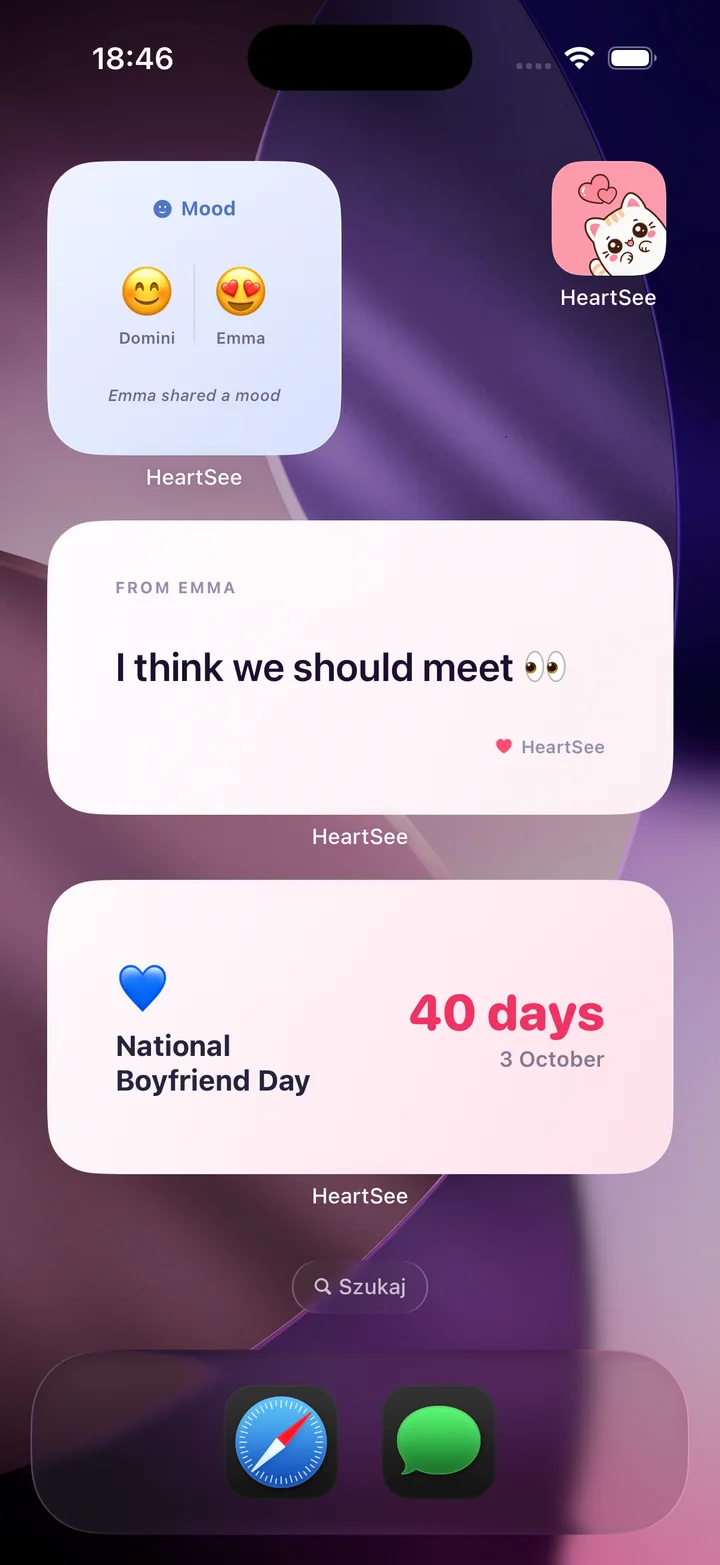
HeartSee pairs two iPhones. Its listing describes Home Screen and Lock Screen widgets, distance tracking, shared moods, notes, and drawings, daily games, streaks, and a shared memory book. It is free to download, with optional Premium subscriptions, and requires iOS 15.1 or later.
It is a better fit when you want a calm, private space for two than when you want a photo stream. It is iPhone only, and both of you need it.
- Best for: couples who want signals beyond photos in one app.
- Skip it if: you want live photos, or one of you uses Android.
Weiterlesen: HeartSee couples widgets for iPhone · Best couples widget apps for iPhone, compared
Can you use Locket and a couples app together?
Yes. They do different jobs. Keep Locket for photos from friends and your partner, and add a couples app for notes, distance, or games. The only cost is one more widget and one more app to open.
Before you move a partner to a new app, agree on one thing you want from it, and try it for a week. A shared app only works when both of you keep it.
Weiterlesen: How to choose a private couples app: a checklist
Häufig gestellte Fragen
What is a good app like Locket for couples?
Candle is the closest match for daily photo swaps, noteit suits drawn notes, and Couple Joy or HeartSee add distance. The right choice depends on whether you want photos, notes, drawings, or distance on your Home Screen.
Does Locket have a distance widget?
Locket's App Store listing does not mention distance or Lock Screen widgets. Apps such as Couple Joy and HeartSee describe a distance widget. Check the current store listings.
Can I use Locket and a couples app at the same time?
Yes. Locket handles photos from a small circle, and a couples app can add notes, moods, distance, or games for just the two of you.
Is there an Android app like Locket for couples?
Candle and Couple Joy list Android versions. HeartSee and several others are iPhone only, so check platforms before you and your partner commit.
Quellen und Produktinformationen
Produkt- und Plattformangaben wurden anhand dieser offiziellen Seiten geprüft. Store-Verfügbarkeit, Preise und iOS-Verhalten können sich ändern.